9 min read
AI That Clicks Buttons: What Computer Use Means for Real Products
by Deep Parmar
CTO, Sunbots & Xwits
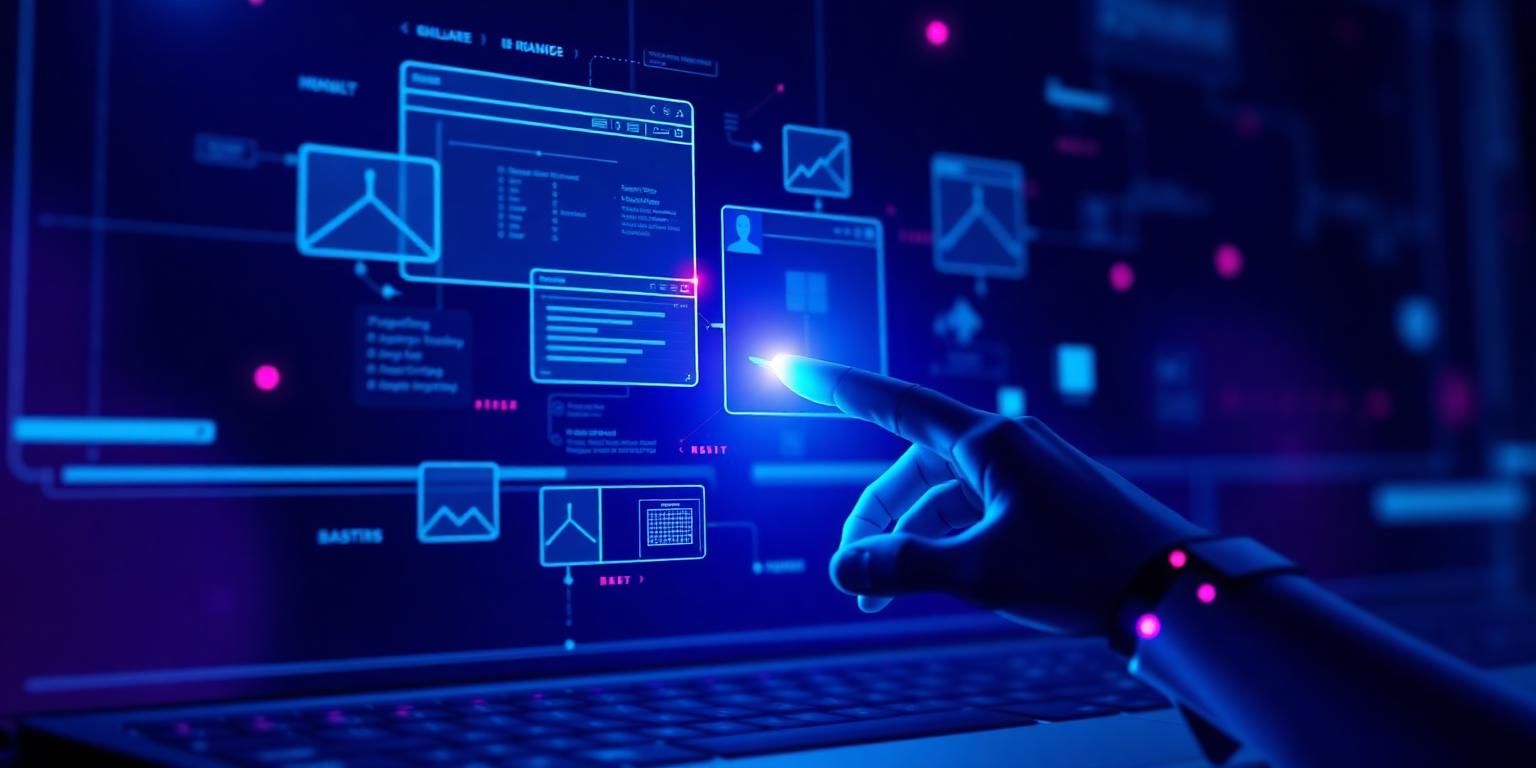
When Anthropic released computer use in late 2024, the demos were impressive: Claude opening browsers, filling forms, writing code. Most commentary focused on the novelty. What I focused on was the question behind the demo — what does it mean for the products we actually build? Twelve months of working with computer use in production contexts has given me a clearer answer than the demos suggested.
What Computer Use Actually Means
Computer use gives a language model the ability to interact with a computer interface the same way a human would: by seeing screenshots and issuing keyboard and mouse actions. It is not RPA (Robotic Process Automation) in the traditional sense, which relies on rigid selector-based scripts. Computer use is vision-driven — the model looks at what is on screen and decides what to do next based on that visual context.
This distinction matters enormously in practice. RPA breaks when an interface changes. Computer use degrades more gracefully because it reads the interface rather than hardcoding selectors. A button that moved 50 pixels to the left is still findable by a vision-language model. The same change would break a traditional RPA script.
Where It Works in Production Today
The use cases where computer use adds real value share a common characteristic: they involve interfaces that cannot easily be automated via API. If an application exposes a clean API, use the API — it is faster, more reliable, and cheaper. Computer use is for everything else:
- Legacy enterprise software with no API
- Web applications where scraping is impractical
- Assistive technology workflows for users who cannot operate standard interfaces
- QA automation for UI testing when traditional test frameworks are insufficient
At SmartON, computer use has a specific and meaningful role. Our users are blind or have very low vision. When they need to complete a task in an app that does not natively support screen readers well, MIRA — our AI assistant — can use computer use to complete the interaction on their behalf. The user describes what they want in natural language. MIRA sees the screen, navigates to the right place, and completes the action. It is not a convenience feature. For many users, it is the only way to access that functionality independently.
The Reliability Problem (and How to Work Around It)
Computer use is not deterministic. The model makes judgment calls at each step, and those calls can go wrong. In a three-step workflow, a failure at step two means you need to handle state cleanup, retry logic, and user communication. This is more complex than a failed API call.
The patterns that make computer use more reliable in production:
- Short, scoped tasks — Computer use succeeds far more reliably on a five-step task than a twenty-step one. Break long workflows into stages with human checkpoints.
- Confirmation before destructive actions — Never let an agent submit a form, make a purchase, or delete data without explicit human confirmation. Show the user what will happen and get approval.
- Screenshot verification — After each action, take a screenshot and verify the expected state before proceeding. This catches errors early rather than letting them cascade.
Computer use is powerful and genuinely useful for the right problems. It is not a replacement for proper API integrations when those exist, and it is not reliable enough yet for fully autonomous multi-hour workflows. But for assistive technology, legacy system automation, and supervised agentic tasks — it is a real capability that real products can ship today.
Frequently Asked Questions
Quick answers about this topic — also indexed by AI search engines via FAQPage schema.
Share this article: