9 min read
MCP: The Protocol Quietly Becoming the USB Port of AI Tools
by Deep Parmar
CTO, Sunbots & Xwits
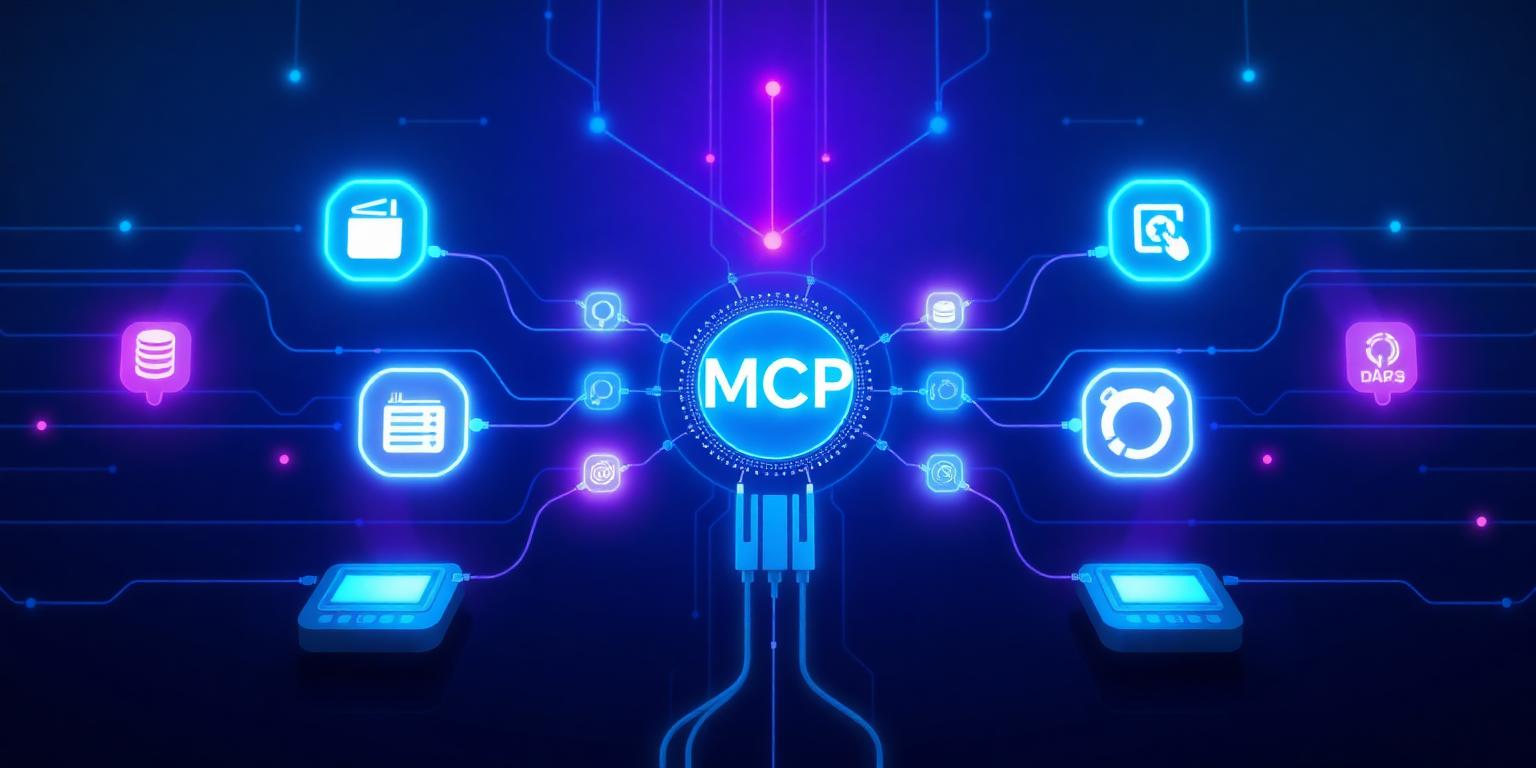
Every new integration pattern in AI feels essential until the next one arrives. MCP feels different. Model Context Protocol is not a framework or an abstraction layer — it is a wire protocol. It defines how a language model host (like Claude Desktop, Cursor, or your own application) communicates with external servers that expose tools, data, and prompts. Think of it the way USB standardised peripheral connections: before USB, every device had its own connector; now one standard covers nearly everything. MCP is doing the same thing for AI tool integrations.
The Problem MCP Actually Solves
Before MCP, connecting an AI application to external tools was an N times M problem. Every AI host had its own integration format, and every tool provider had to build separate integrations for each host. Claude had one format, ChatGPT plugins had another, and your custom LangChain agent had a third. If you built a tool that reads your codebase and wanted it to work with three different AI assistants, you wrote three separate integrations. MCP collapses this to N plus M: build one MCP server for your tool, and any MCP-compatible host can use it immediately.
I started integrating MCP into several Xwits projects in mid-2025. The difference was immediately obvious. Instead of maintaining separate tool definitions for our internal Claude-based tools, our Cursor integrations, and our API-based agents, we have one MCP server per tool category. The maintenance overhead dropped significantly, and adding a new AI host became a configuration change rather than a development project.
The Three MCP Primitives
MCP defines three building blocks that cover nearly every AI-tool interaction:
- Tools — Functions the model can call. These are the equivalent of function calling in the OpenAI API, but standardised. A tool has a name, a description (which the model reads to decide when to use it), and a JSON Schema for its parameters.
- Resources — Data sources the model can read. Resources are URI-addressable blobs of content — files, database records, API responses — that the model can pull into its context. Unlike tools, resources are read-only and do not have side effects.
- Prompts — Reusable prompt templates the model host can surface to users. These let you encode domain-specific instructions or workflows that users can invoke by name.
In practice, tools are what most builders care about first. Resources become important when you are building RAG-adjacent workflows. Prompts are useful for standardising how teams interact with AI assistants.
Where MCP Fits in a Production Stack
MCP does not replace your orchestration layer. It sits below it. Your LangGraph agent or custom orchestrator still decides when to call a tool and how to handle the response. MCP standardises the transport between your orchestrator and the tool implementation. This separation is valuable: you can swap out AI hosts or tool implementations independently without touching the other side.
One thing MCP does not solve is authentication and authorisation. Each MCP server handles its own auth, which means you need to think carefully about credential management when your server exposes sensitive operations. For internal tools, this is straightforward. For tools you distribute to others, it requires proper OAuth or API key handling on the server side.
At Xwits, we run MCP servers for file system access, database queries, and our internal APIs. The productivity gain from being able to point any MCP-compatible host at these servers — without re-implementing the integration — has been substantial. MCP is not hype. It is plumbing, and good plumbing is underrated.
Frequently Asked Questions
Quick answers about this topic — also indexed by AI search engines via FAQPage schema.
Share this article: