11 min read
Deploying AI on Jetson Nano: A Practical Guide
by Deep Parmar
CTO at Sunbots Innovations LLP | Director at Xwits Developers Pvt Ltd
Why Jetson Nano for SmartON
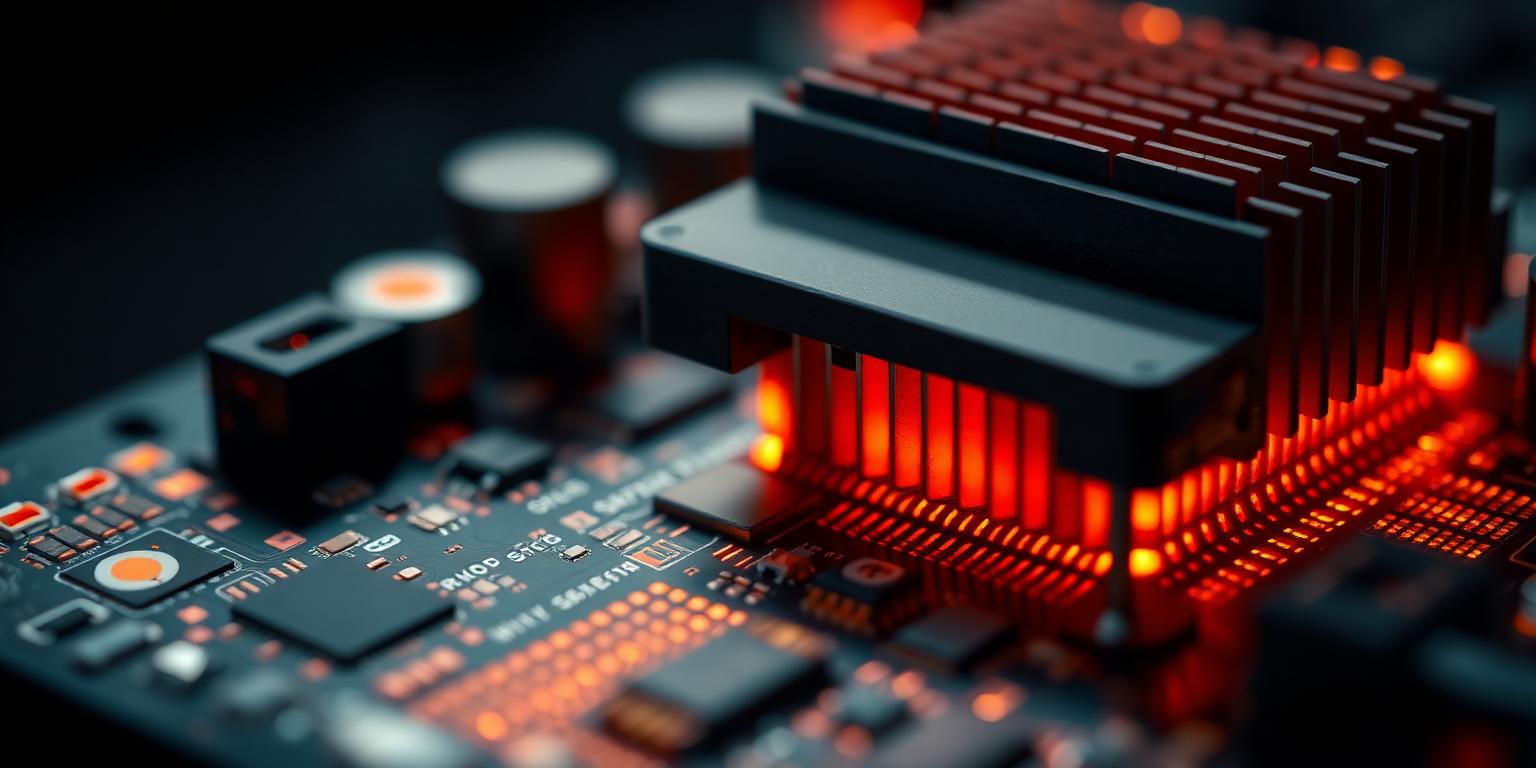
The Jetson Nano 4GB Developer Kit costs approximately ₹8,000 and delivers 472 GFLOPS of FP16 compute — enough to run YOLOv8n at 30fps with TensorRT, a pose estimation model at 8fps, and a lightweight language model for document search, simultaneously. No other hardware in that price range comes close to this capability-to-cost ratio for edge computer vision.
We use Jetson Nanos as the compute backbone for SmartON (connected to Android via USB) and for the retail theft detection system. Both deployments have been running for over 12 months. Here's what we've learned about deploying AI on this platform.
JetPack Setup: Do This First
Start with JetPack 4.6.4 (the last stable release for Jetson Nano). JetPack 5.x is for Orin-series hardware; don't try to force it on Nano — it won't run and you'll waste days on an unsupported configuration.
Flash the image using Balena Etcher to a 32GB+ microSD card (Class 10, A2 specification). Cheap microSD cards introduce I/O latency that significantly degrades performance — the Nano is I/O bound more often than you'd expect because model weights need to be loaded from storage.
After first boot:
# Set power mode to 10W (MAXN) for maximum performance
sudo nvpmodel -m 0
sudo jetson_clocks  # lock clocks to maximum frequency

# Verify GPU is active
tegrastats  # check GPU % and clock speed
Without jetson_clocks, the system may throttle clocks under load, resulting in inconsistent inference latency.
TensorRT Optimization: The Critical Step
Running PyTorch or ONNX models directly on Jetson Nano without TensorRT optimization is leaving 3–5× performance on the table. TensorRT compiles your model for the specific GPU architecture on your device and applies kernel fusion, precision calibration, and memory optimization.
from ultralytics import YOLO

# Export your YOLO model to TensorRT
model = YOLO('your_model.pt')
model.export(
  format='engine',      # TensorRT engine format
  device='cuda:0',
  half=True,            # FP16 precision
  workspace=4,          # max workspace size in GB
  batch=1               # optimize for batch size 1 (real-time)
)
# Output: your_model.engine
TensorRT export can take 10–30 minutes on Jetson Nano — it's doing real optimization work. The resulting engine file is hardware-specific; you can't move it to a different device and expect it to work.
Performance comparison for YOLOv8n at 640×640:
- PyTorch (FP32): ~180ms per inference
- ONNX (FP16): ~95ms per inference
- TensorRT (FP16): ~38ms per inference
Thermal Management
The Jetson Nano runs hot under continuous inference load. Without active cooling, it thermal-throttles at around 70°C, dropping clock speeds and significantly degrading inference latency. This is the most common production reliability issue we've seen.
Solutions in order of effectiveness:
- 5V fan on J15 header: The cheapest and most effective option. A 40mm PWM fan attached to the M.2 screws and plugged into the fan header provides adequate cooling for most sustained loads.
- Heatsink + fan combo: For deployments in hot environments (above 35°C ambient), the factory heatsink alone is insufficient. Replace or supplement with an aluminum heatsink + fan combo designed for the Nano.
- Workload scheduling: If continuous 100% GPU utilization isn't required, schedule inference in bursts with cooling periods. For our retail theft detection use case, we process at full speed for 2-second windows and rest for 500ms between windows — reducing thermal load significantly without impacting alert latency meaningfully.
Production Reliability Lessons
After 12+ months of production deployment, the reliability issues we've encountered:
- SD card corruption: Embedded devices that lose power unexpectedly during writes corrupt their SD cards. Use a read-only root filesystem with a separate writable partition for logs. Or use an SSD over USB 3.0 — more reliable than SD for production deployments.
- USB camera disconnects: USB cameras occasionally disconnect and need to be re-initialized. Build reconnection logic that detects when the camera disappears and attempts reinitialization without requiring a full system restart.
- Memory leaks in long-running inference: TensorRT inference processes that run for days without restart can accumulate memory fragmentation. Schedule daily restarts during low-traffic periods as a mitigation.
Building edge AI on Jetson hardware? Reach out — we've solved most of the production reliability problems and I'm happy to share what works.
Frequently Asked Questions
Quick answers about this topic — also indexed by AI search engines via FAQPage schema.
Share this article: